You can retransmit single or multiple files via self-service on your Portal.
- Select "Transactions" on the left-hand side
- Enter the search filters as needed and select "Search Transactions"
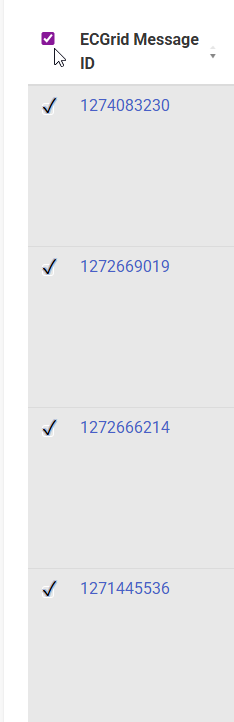
- When the data populates, you'll see a check box on the left-hand side next to "ECGrid Message ID"
- Select the box and a check mark will appear:

- Select "Resend Selected" in the top-right
- The data will be retransmitted as requested
Additionally, if you select the top check box, this will select all transactions that were populated during your search. You can select and deselect data as needed:
-
Was this article helpful?
That’s Great!
Thank you for your feedback
Sorry! We couldn't be helpful
Thank you for your feedback
Feedback sent
We appreciate your effort and will try to fix the article