These are step by step instructions to Create Custom app and Connect to ECGrid Simplify Connector:
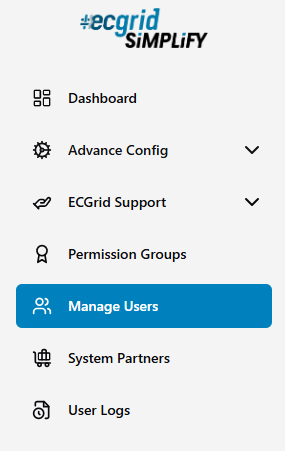
- In Simplify, you can create a connection. To create a connection access the Manage User page through the menu option on the left.
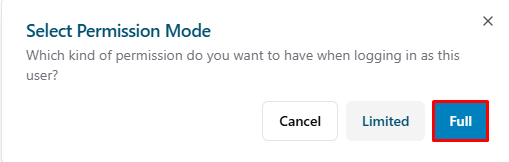
- Login User: Click Login as User.

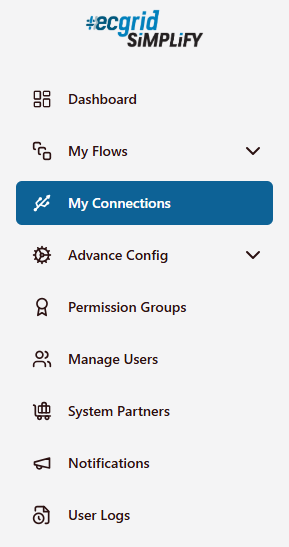
- The menu option on the left: Click My Connections.
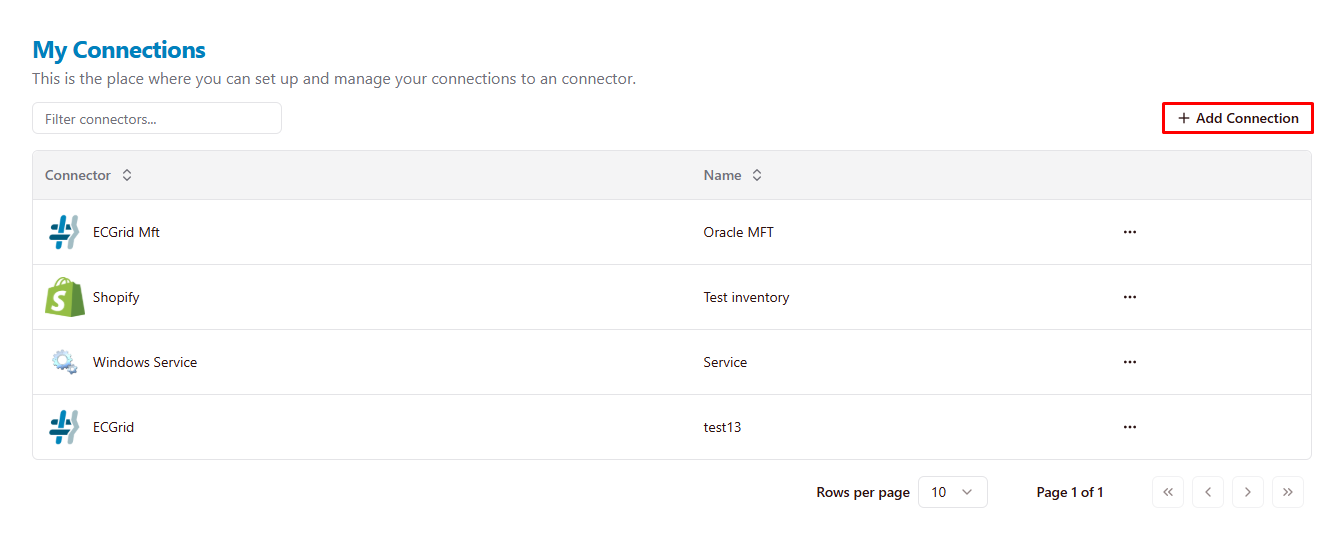
- Create connection: Click Add Connection.
- After that, a dialog box appears on the right: Find and choose Odoo.
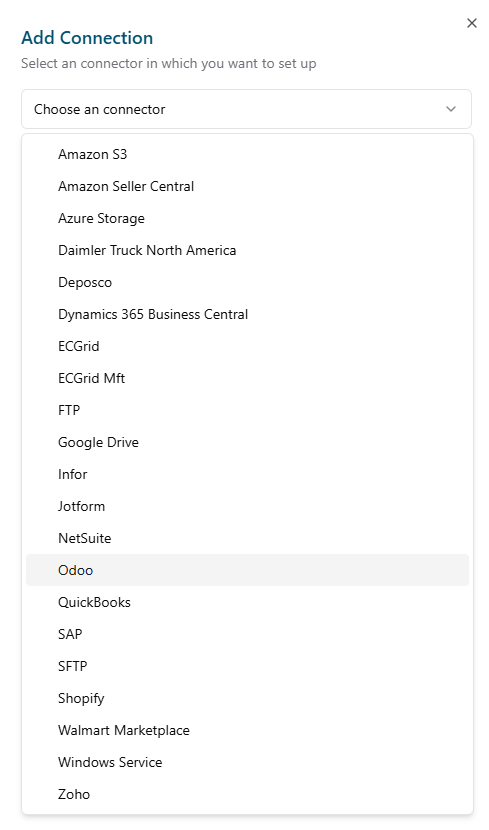
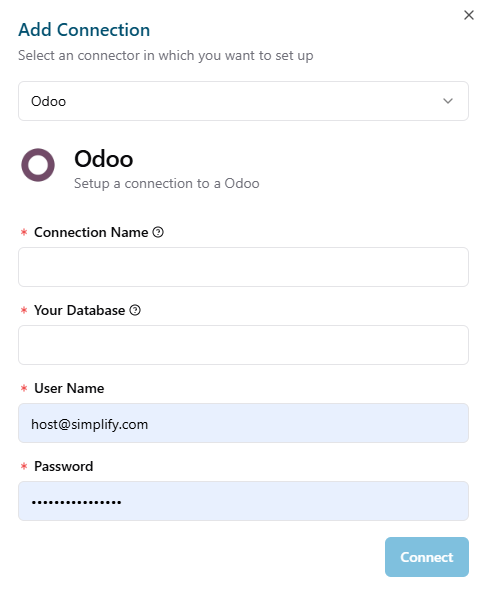
- Displays a dialog to connect with Odoo.
- Login User: Click Login as User.
- In Odoo, after login Odoo.
- Click on your profile icon in the upper right corner and select "My Databases"
- After a new database is created. It will be displayed automatically.
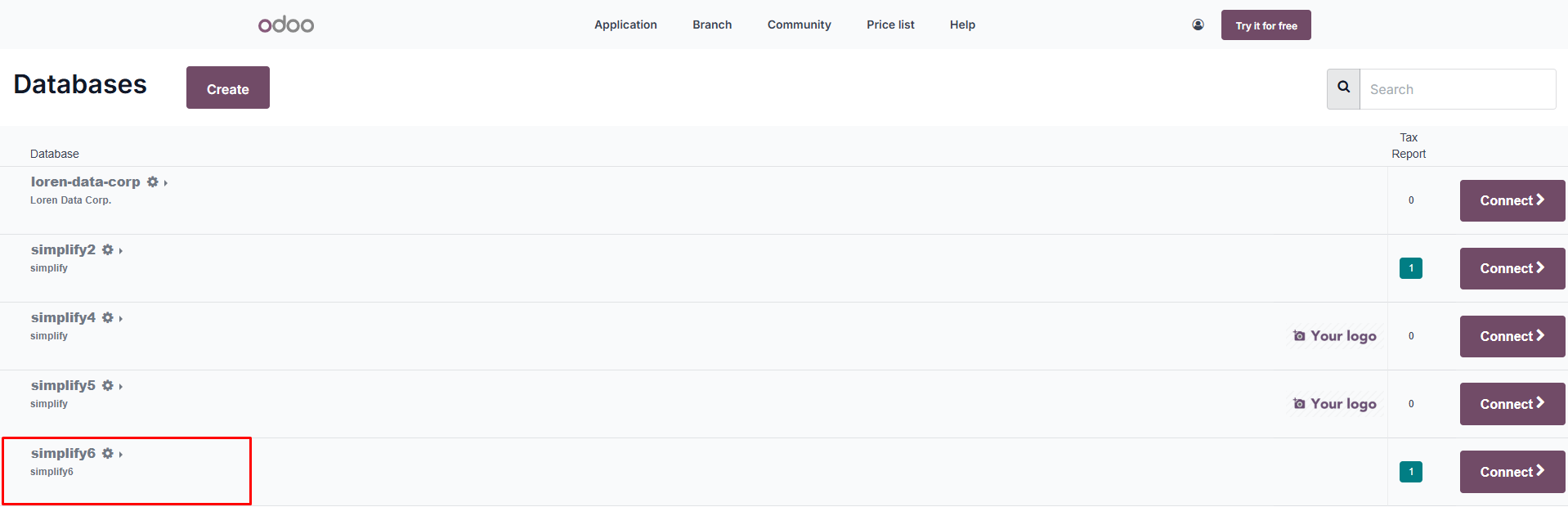
- To connect to the database: Click Connect button.
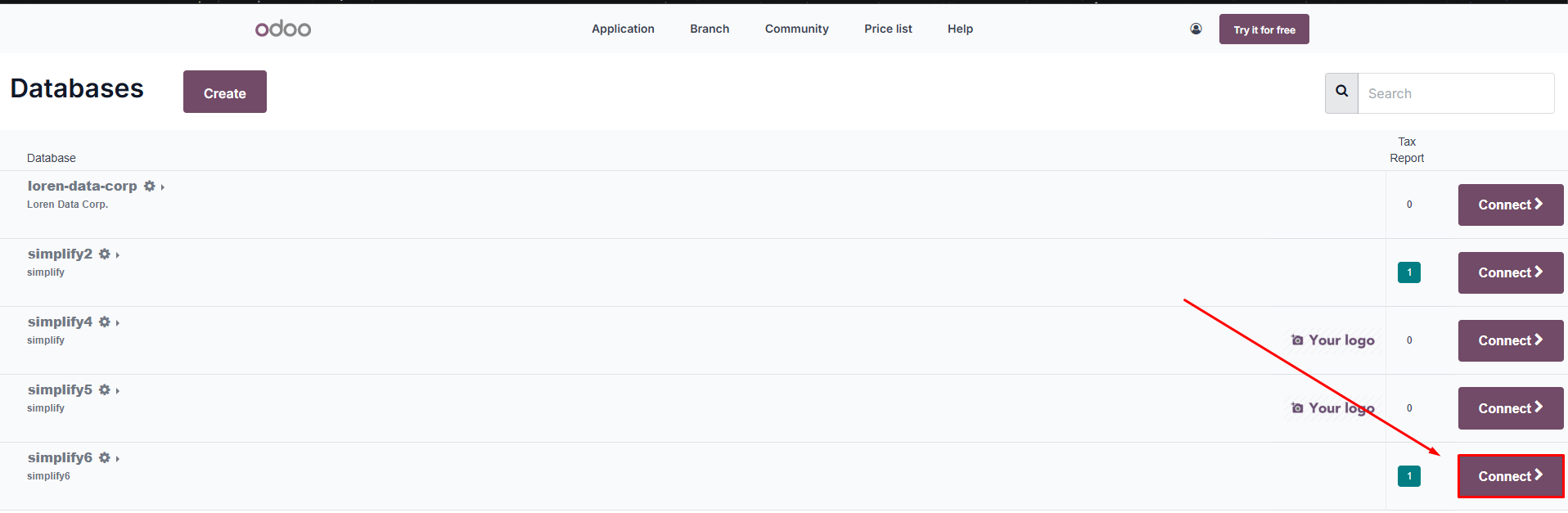
- When you are connected. The database name will appear in the URL.
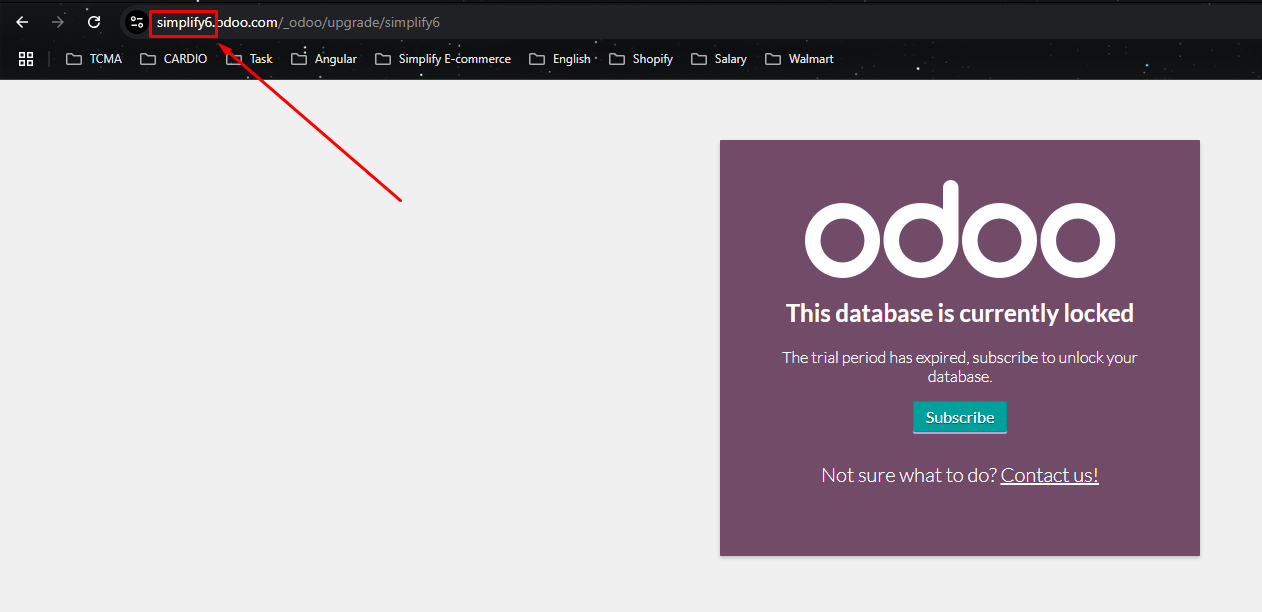
- After getting the database name from Odoo.
- Copy the database name into the Simplify dialog and give your connection a name.
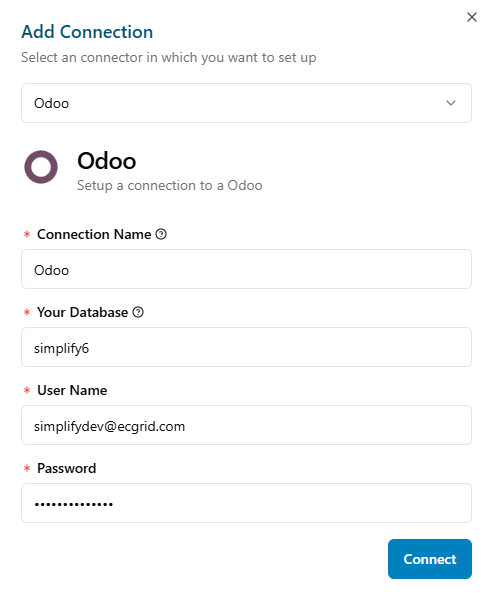
- Connect connection: Click Connect Button.
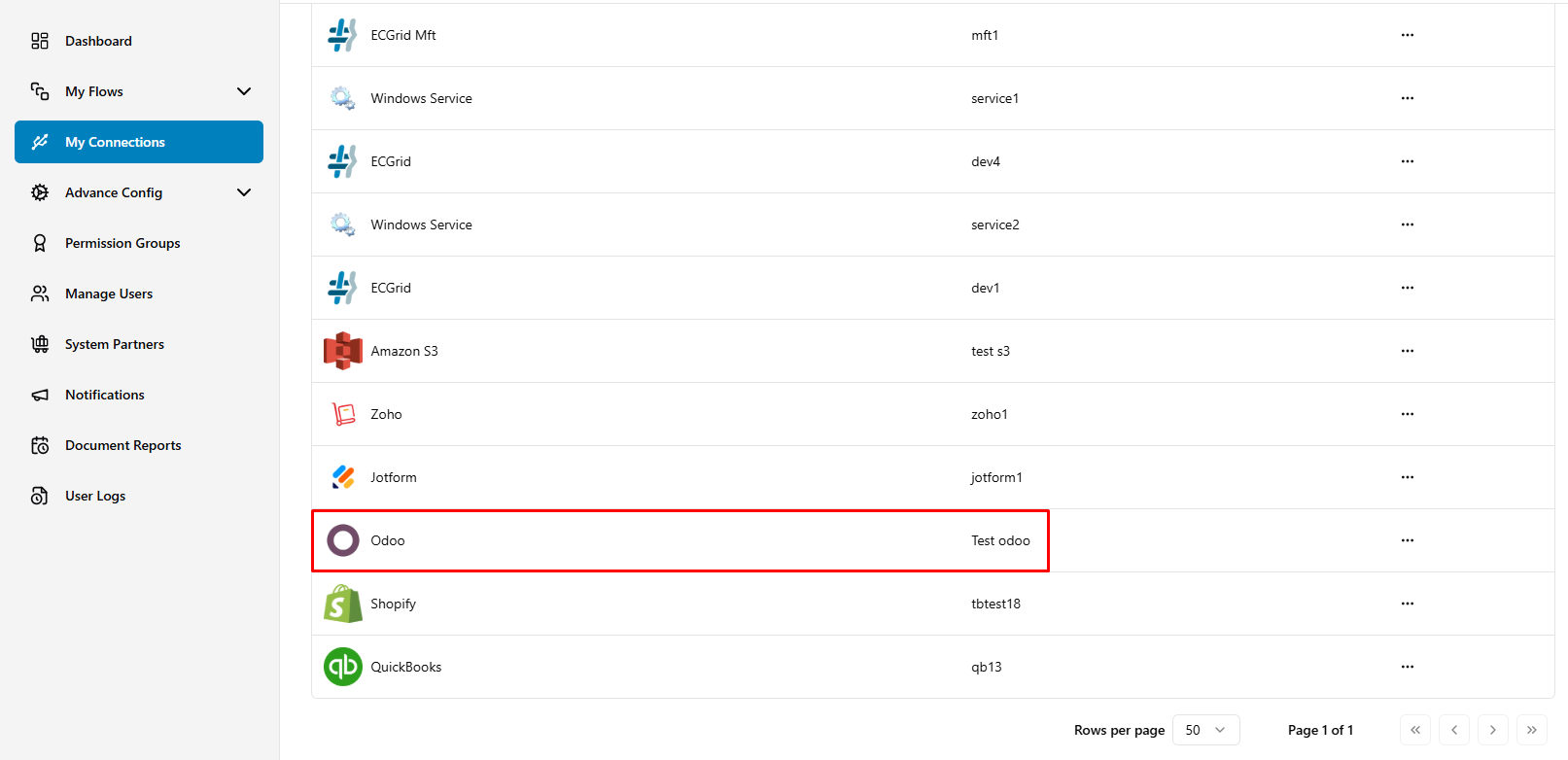
- Copy the database name into the Simplify dialog and give your connection a name.
Was this article helpful?
That’s Great!
Thank you for your feedback
Sorry! We couldn't be helpful
Thank you for your feedback
Feedback sent
We appreciate your effort and will try to fix the article