In Simplify, Clone Link allows you to add additional segments, records, fields, or elements to your destination map.
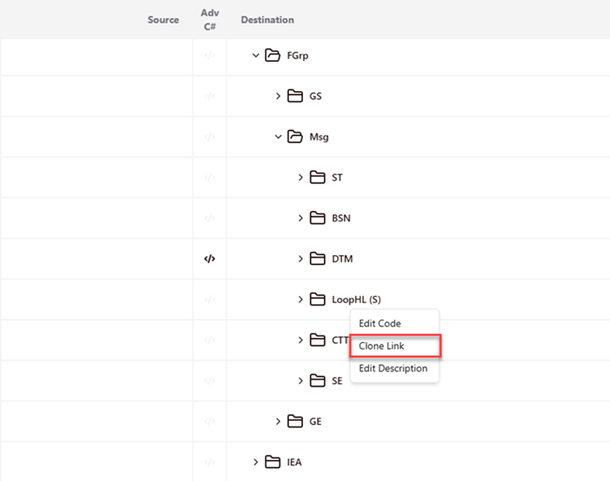
- Right-click on the field on the right side (Detail), and Simplify will display a dialog within the red square. You can copy links to create loops.
- To copy link: Select Clone Link.
- Afterward, Simplify will then display a dialog showing the field structure.
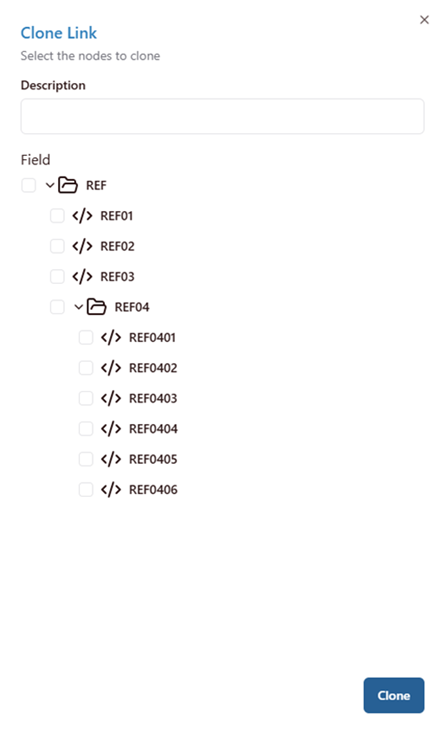
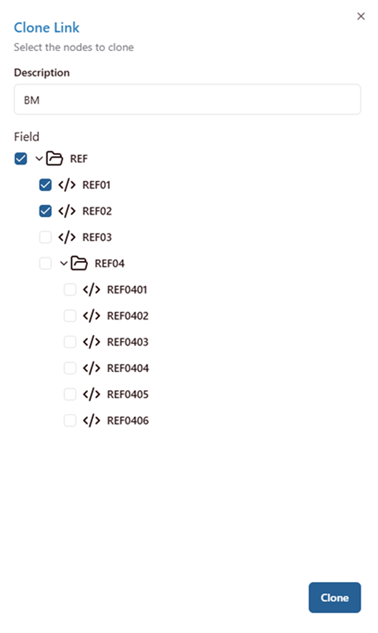
- Select the element you want to clone: You can choose the structure you want to clone and add a description to note the structure you just cloned.
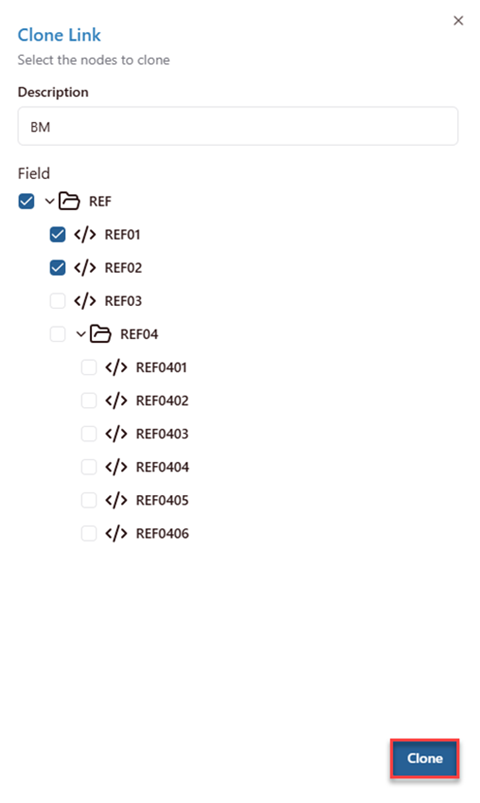
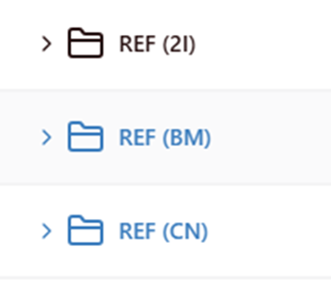
- Save the clone link: Click Clone button. The cloned link will appear in blue.
- To copy link: Select Clone Link.
Was this article helpful?
That’s Great!
Thank you for your feedback
Sorry! We couldn't be helpful
Thank you for your feedback
Feedback sent
We appreciate your effort and will try to fix the article