In Simplify, to detect doctype, go to the Document Types page by selecting the menu option on the left.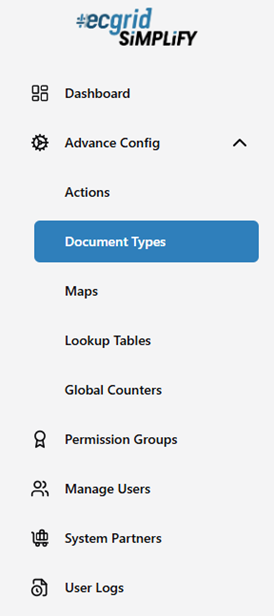
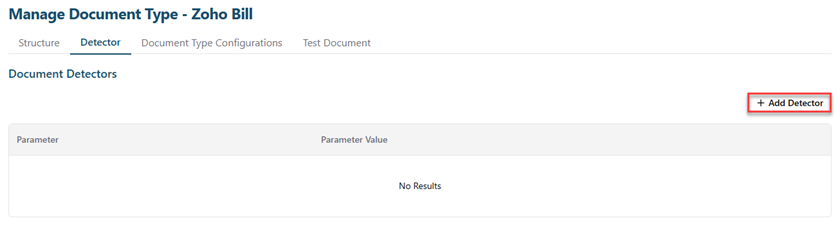
- Add Detector: To detect doctype, click Add Dectector button.
- Detect XML: Input the xpath of the field that always appear in the document. When system sees the field by the xpath, it will know the file belong to what doctype (Ex: /bill/purchaseorder_id).
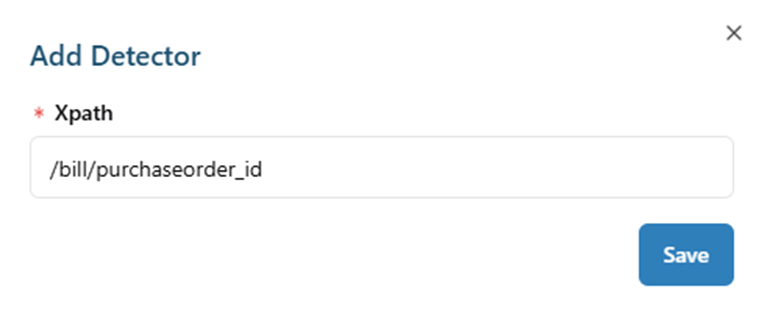
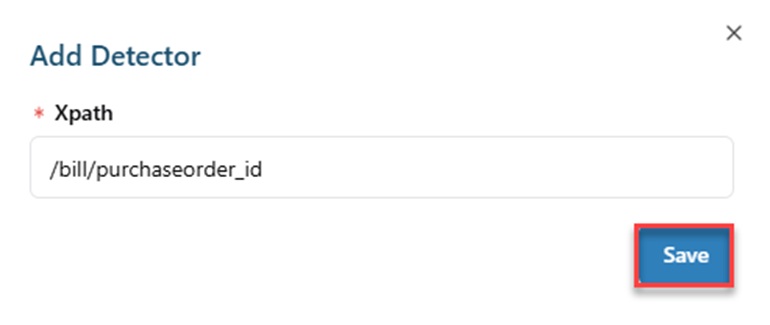
- Save Detector Xpath: Click Save button.
- After saving, Simplify will display this detector.
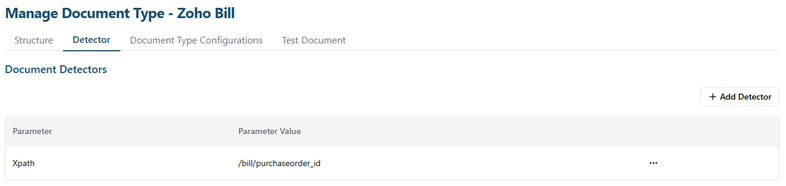
- Detect XML: Input the xpath of the field that always appear in the document. When system sees the field by the xpath, it will know the file belong to what doctype (Ex: /bill/purchaseorder_id).
- Detect the other data type (fix leng, delimiter, edi): System will use the regular expression to know the file belong to what doctype.
- Fixed:
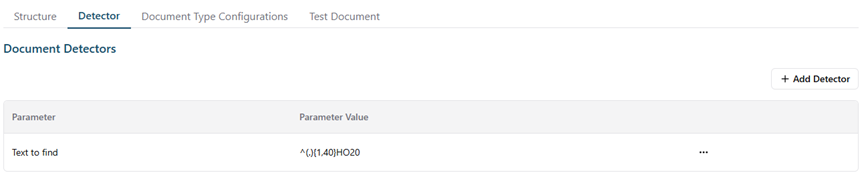
- Delimiter:
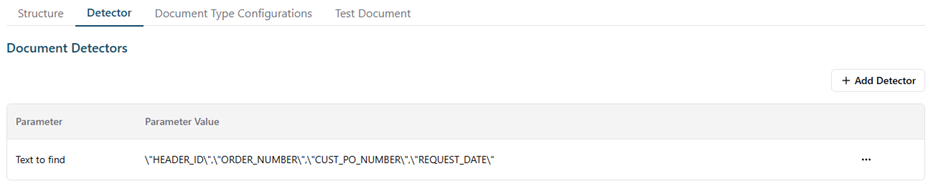
- Edi:

- Fixed:
Was this article helpful?
That’s Great!
Thank you for your feedback
Sorry! We couldn't be helpful
Thank you for your feedback
Feedback sent
We appreciate your effort and will try to fix the article